Shopify Inventory Not Syncing
0.6 min read
|Problem
Solution
In Shopify, you need to enable inventory tracking.
When you receive inventory from your supplier, Shopify updates the number of items available in your store, which means that you don’t need to update it manually. For this to work, you must enable Shopify’s inventory tracking option for your products and variants.
1. From your Shopify admin, go to Products > All products.
2. Click the name of the product that you want to track.
3. If the product has variants, click the variant you want to track.
4. In the Inventory section, select Track Quantity.
5. Set the quantity.
6. Click Save.
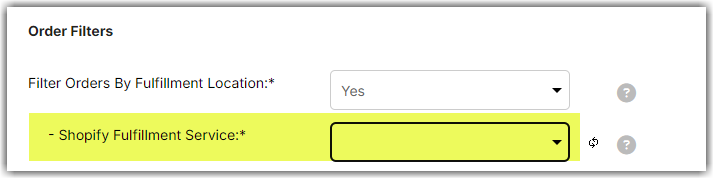
In Integration Management, ensure that the SKU is assigned to the location selected in the Shopify Cart (Carts > Shopify Cart > Edit Setup). If no location is selected, it can't sync as the system does not know what products to download and what location to sync back to in Shopify.