
Reactivating an Orderbot
0.3 min read
|Once deactivated, an orderbot is no longer shown on your list of orderbots (only active orderbots are shown on the list). To again display an inactive orderbot on the list, click the Show Inactive button.
Once an inactive orderbot is displayed on the list, you may reactivate it. To do this, follow the procedure below.
- On the Toolbar, click Settings.

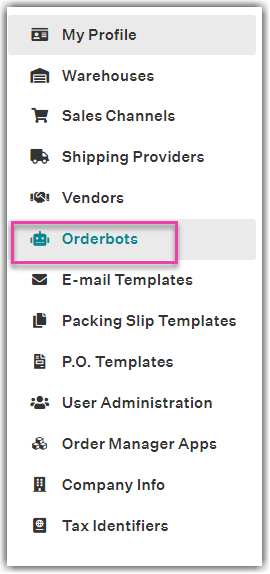
- On the left sidebar, click Orderbots.
- On the Orderbots page, highlight an orderbot on the list, then click Reactivate.
- Click Yes - Reactivate on the confirmation message.