Exporting Stock Details
0.1 min read
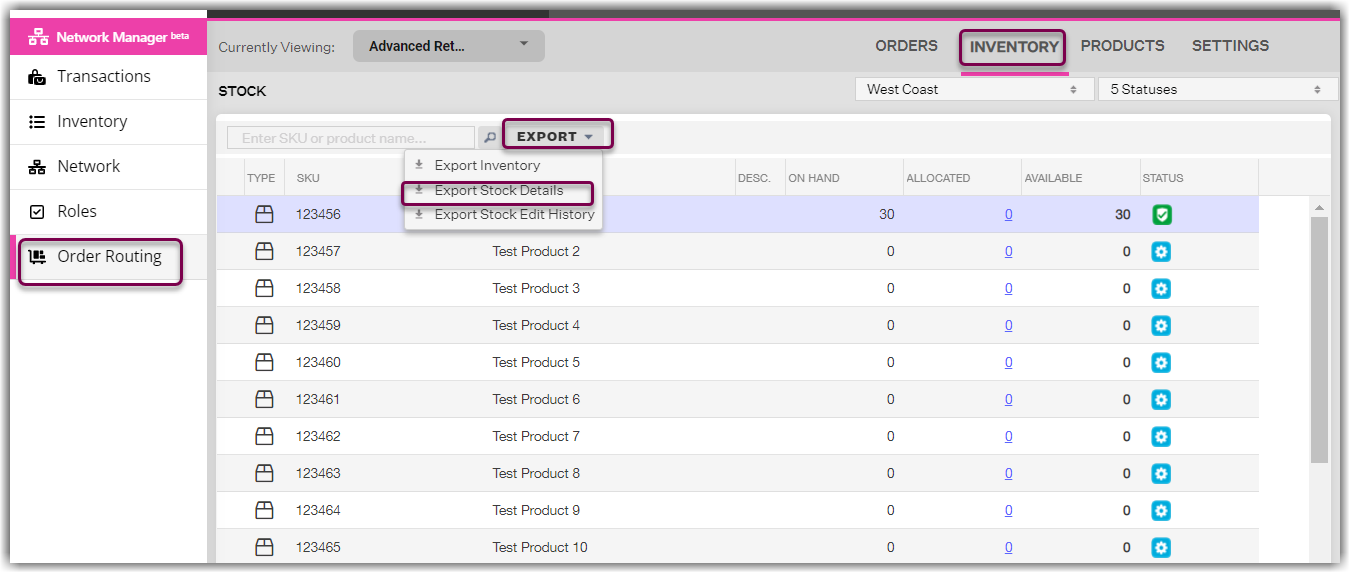
|- Navigate to Order Routing > Inventory module. Click Export and select Export Stock Details.
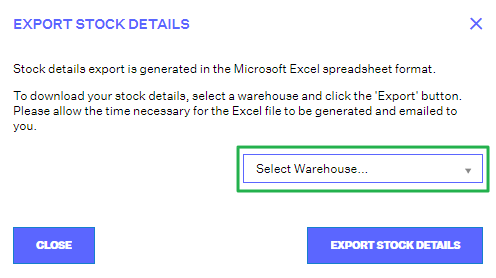
- Select the warehouse you want the export for. Click the Export Stock Details button.
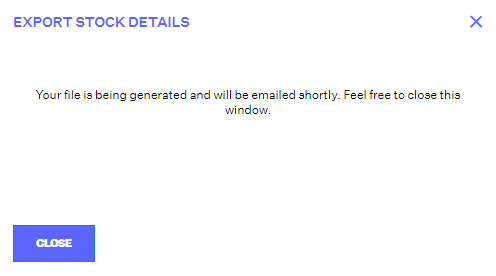
- Export file will be sent to your email.