
Label Config
0.3 min read
|In Label Template Configuration, you can manage label templates.
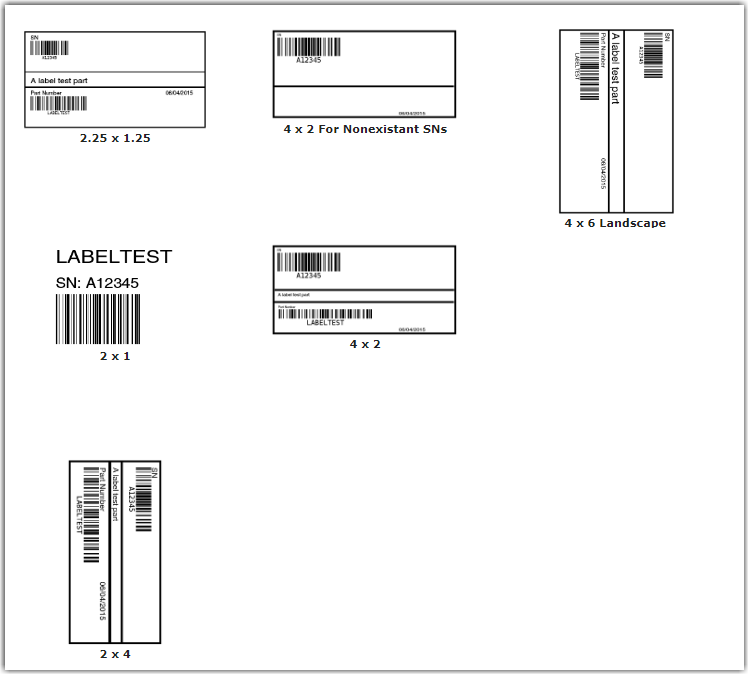
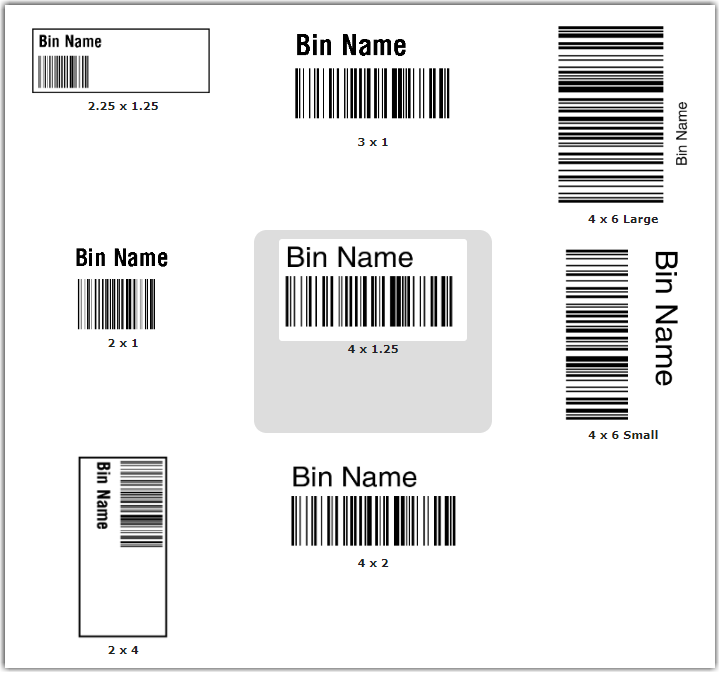
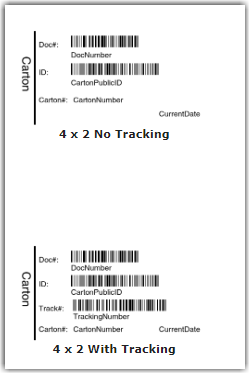
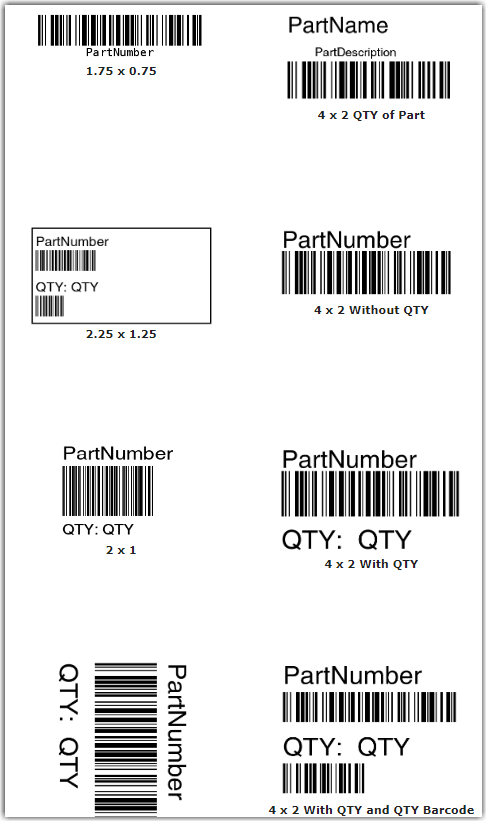
You will find label templates for:
- Assets
- Bins
- Cartons
- Items
- Lots
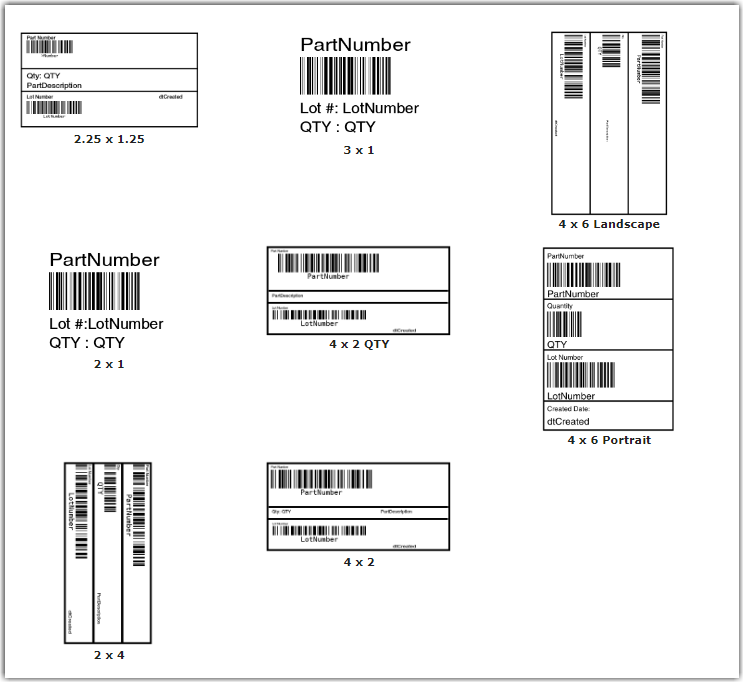
- Others
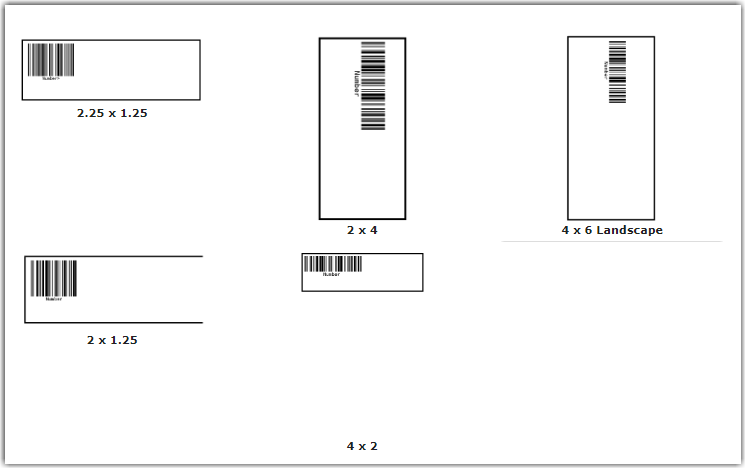
- Parts
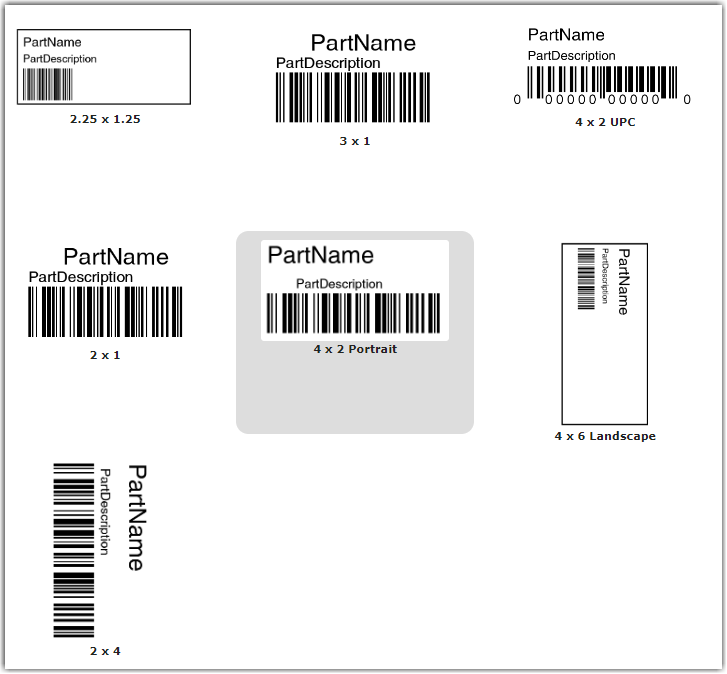
- Pick
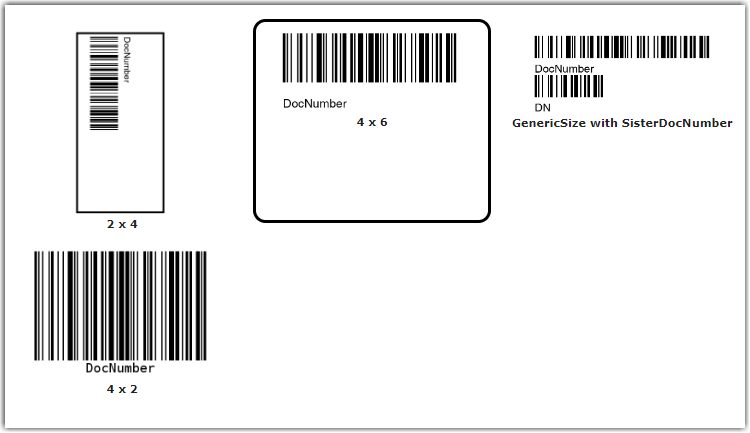
- Work Orders
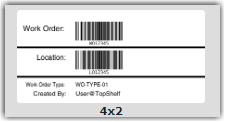
You can select the size and configuration needed and then click SAVE to complete the selection. This template will be used by default when printing the specific type of label.
Custom templates can be requested through the support team for an additional fee.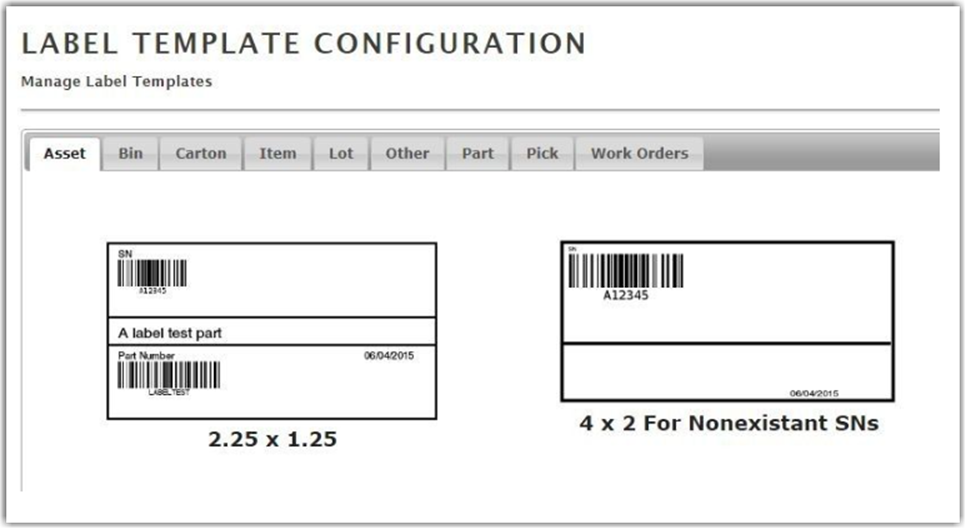
See the Message Templates section for more information on how to create Custom Label Templates.